A review step before AI

Anonymize sensitive transcripts before they go into AI.

Nonymize finds identifying details in transcripts, notes, and other pasted or plain-text content, lets you review every change, and gives you a clean copy for ChatGPT, Claude, Gemini, Copilot, or your existing workflow.

7 free anonymizations · No card · Pro from $12/month billed yearly

Interview notes.txt
5 details found
Output
Uses stable typed labels like [Person A] so AI can follow the conversation
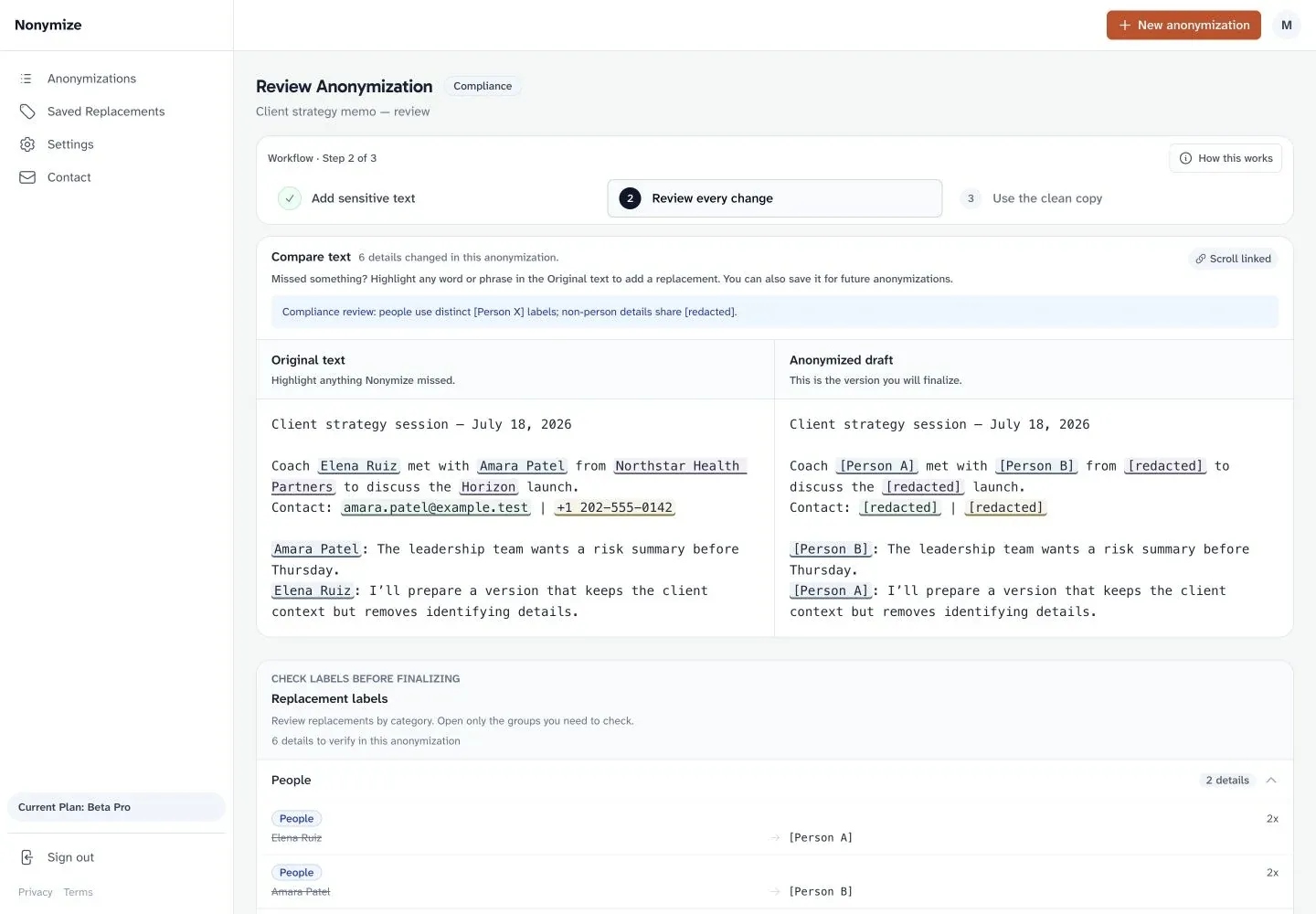
You approve every replacementOriginal deleted when you finalize

Review first. Nothing is finalized until you approve it.

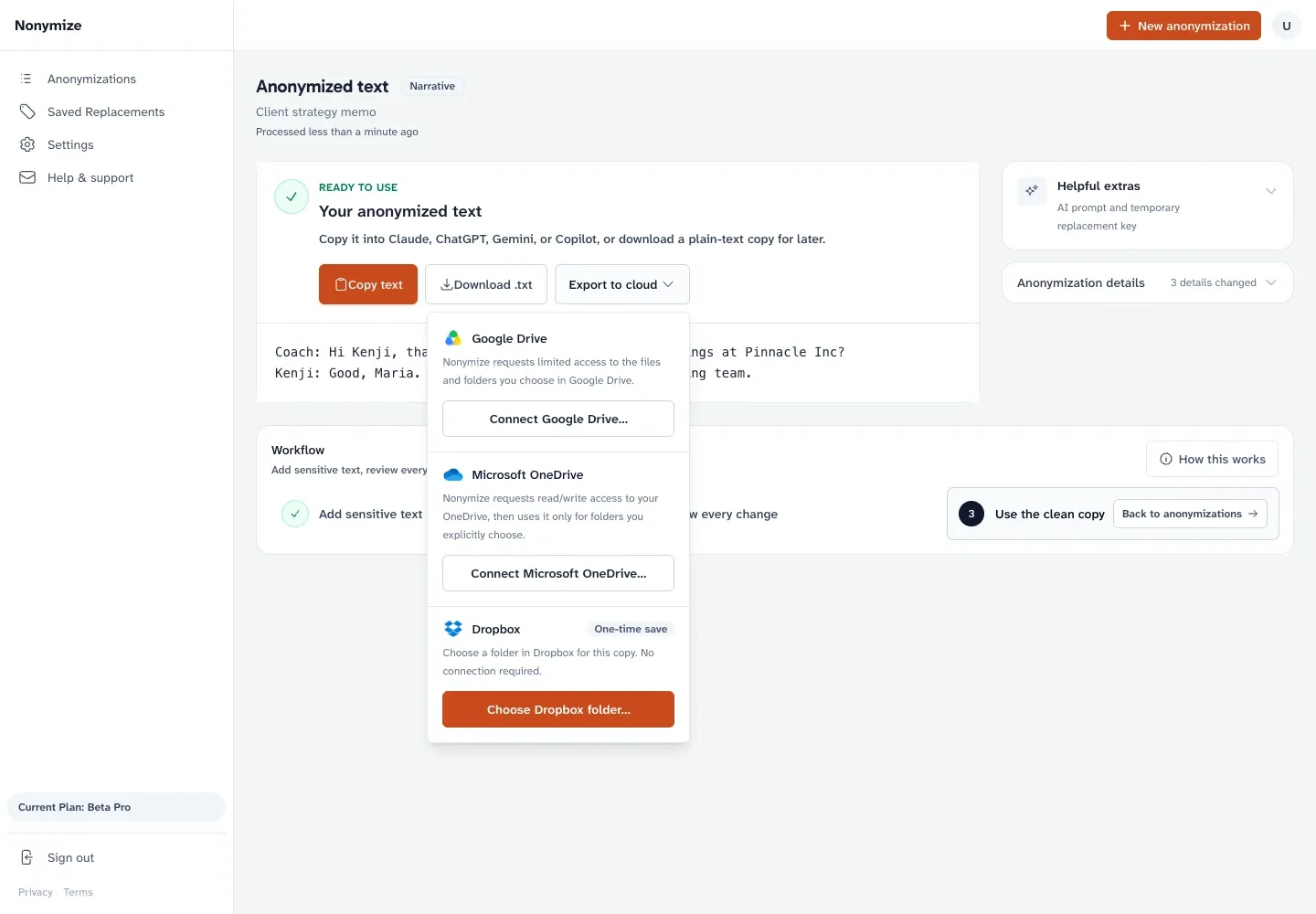
Delete the original. Finalizing removes it from Nonymize.

Keep the key separate. The temporary change record expires after seven days.

See it in action

See Nonymize from start to finish.

Watch Nonymize find sensitive details, keep every change reviewable, and prepare a clean copy for the AI tools you already use.

Why this matters

AI needs the substance.
It rarely needs the identity.

Consumer AI products may save conversations and use eligible chats to improve their models. Nonymize gives sensitive text a deliberate review step before you place it into the AI tools you use.

What professionals told us

“We need it today.”
K.O. · UX research consultant
“Duuude, I have goosebumps. I can’t see firms not wanting protection.”
S.H. · Business attorney
“I would feel more ethical using AI with my clients.”
A.W. · ICF-certified coach

For professionals

Built for client-facing work.

Start with the page closest to your work. Each one shows how the same review step fits a different kind of sensitive client text.

What it does

Three steps. One reviewable result.

Add the text, inspect every proposed change, then take the clean version into the tool where you need it.

Step 1

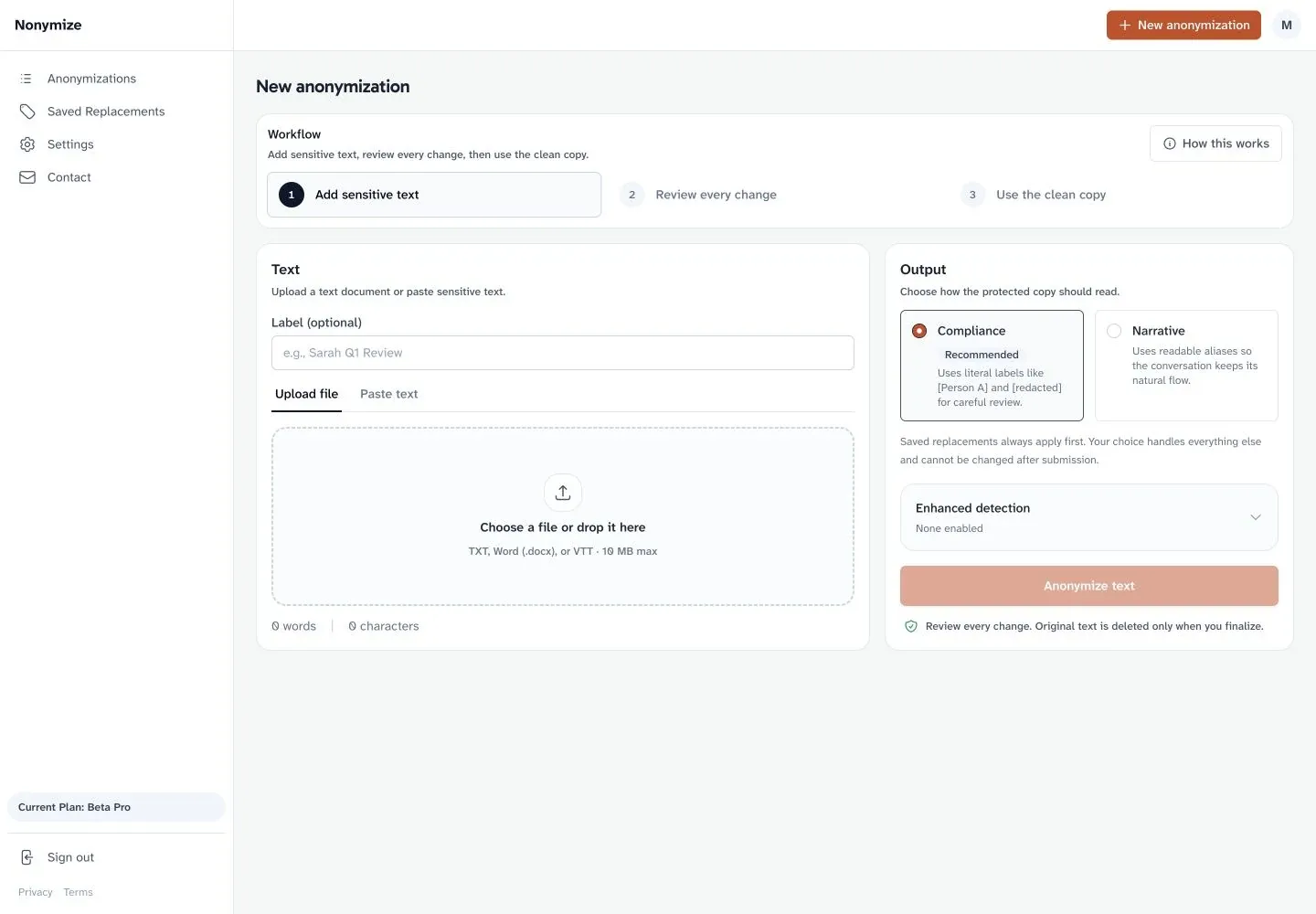
Paste text or upload TXT, DOCX, or VTT.

Start with transcripts, notes, or other sensitive text. Paste directly or upload a text, Word, or meeting-transcript file, then review the extracted text before anonymizing.

Nonymize upload screen showing support for TXT, Word DOCX, and VTT files

Product screenshot

Drag to inspect the interface

Try it with text you already have. Your first seven anonymizations are free, with no card required.

Prepare sensitive text free

Simple pricing

Start free. Upgrade when seven isn’t enough.

Every account uses the same detection baseline and includes seven free anonymizations. Pro removes the limit and adds saved replacements plus direct Google Drive, Microsoft OneDrive, or Dropbox export.

Free

$0

  • 7 free anonymizations
  • Detect names, organizations, contact details, web addresses, financial figures, locations, and dates
  • Choose Narrative with stable typed labels like [Person A], or Compliance with [redacted]
  • Review every replacement before finalizing
Start with 7 free

Pro

  • Everything in Free
  • Unlimited anonymizations
  • Saved replacements for recurring names, companies, and terms
  • Export finalized anonymized text directly to Google Drive, Microsoft OneDrive, or Dropbox
Choose yearly

No credit card for Free. Read how Nonymize handles text in the Privacy Policy.